How I'm currently using AI to catalyze my design process
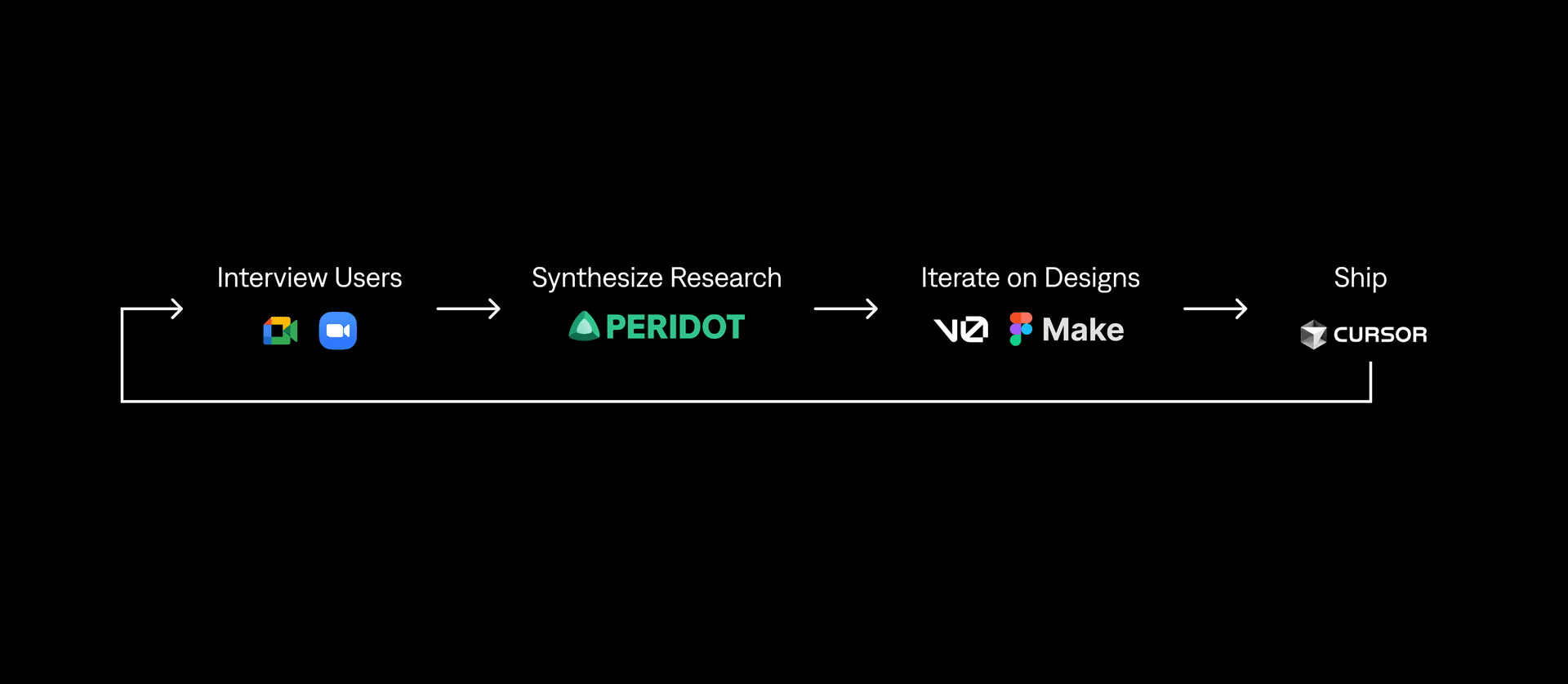
Over the past few years, I've been experimenting with AI to catalyze my design process. This is what I'm currently using.
Synthesizing Research
I used to use Dovetail and other workflows to synthesize my research findings, but now I just use Peridot. It's as cheap as Claude and ChatGPT, as structured as Dovetail, and way cheaper.
With Peridot, I can upload interview files and automatically generate insights and highlight reels in seconds. I'm able to pull quotes, identify patterns, and summarize themes in minutes instead of hours.
I can quickly send those highlight reels to the team for review and feedback. And they can just as easily visit Peridot to interact with the data themselves.
Once synthesized, I organize these insights into a short presentation to align the team and drive the design direction.
Rapid Prototyping
In my experience, users are more engaged during usability tests when they can input real data, not just click buttons.
After finalizing designs in Figma, I use Figma's MCP server to push them into Cursor, then deploy them live on Vercel.
It takes 15-20 minutes to get a prototype up and running.
Usability sessions feel more authentic, and feedback feels richer and more specific.
UI Exploration
When I'm tackling complex design challenges and need inspiration, I use Vercel's V0 or Figma Make to spin up multiple design variations.
In a matter of minutes, I'm able to test different UX patterns, layouts, and visual systems without overcommitting to one version.
In the example above, I generated five variations of my design and discovered patterns I never would've thought to explore.
On occasion when AI is being slow, I resort back to Dribbble, Contra, or Mobbin for inspiration.
Development & Handoff
This is where I have a lot of room to improve my workflow.
Our team builds in C# using Blazor/.NET components, which makes it difficult to reuse the HTML/CSS that Figma exports.
We tried refactoring those exports into our stack, but it turned out to be more work than writing the components from scratch.
For now, we've gone back to using Figma Dev Mode for inspection, which gives developers exactly what they need without the extra overhead.
I'm still experimenting with better ways to handle "code handoffs," but AI tools haven't fully bridged that gap yet.
Nevertheless, AI has already shortened my road to handoff. I can get there quicker, and with fewer meetings with the devs.
Results
Across projects, integrating AI has helped me:
• Cut research synthesis from hours to minutes
• Generate new design variations in seconds
• Prototype and test with real, functional data
• Accelerate design-to-dev collaboration
More importantly, streamlining the design process has allowed me to spend more time on crafting experiences that feel human, useful, and grounded in reality.
This workflow continues to evolve as new tools emerge. I'd love to hear about your own experiments with AI in design. Let's connect and compare notes.